top of page


NEXUS IS HERE!
Nexus is a set of fast, powerful, easy-to-use tools for working with 3D scans.
Extract useful data, prepare the scan for CAD, and use both directly in your design.
No dimensional guesswork. Just real, world-aligned planes and features.

Raw Mesh In
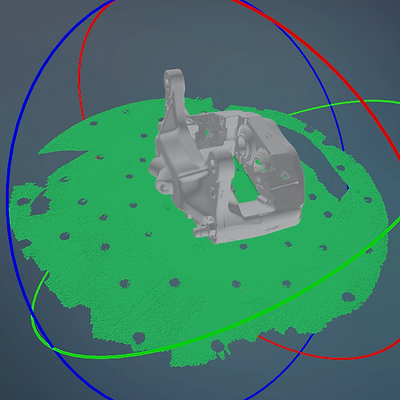
Built to handle high density, large, .obj .stl and .ply scan files meshed at the highest resolutions straight from your scanners software.
Cleanup
Selection tools to remove any unnecessary mesh data.

Planes and Primitives
Simple paint to fit tools create the building blocks for your CAD model.
Align
Use the building blocks to align your mesh to a useful co-ordinate system.


Downsample
Get the mesh to a file size CAD programs can handle.
Export
Export the aligned mesh and building blocks to send to your CAD software of choice.


Create
Spend your time designing awesome stuff.
bottom of page